List the work that matters
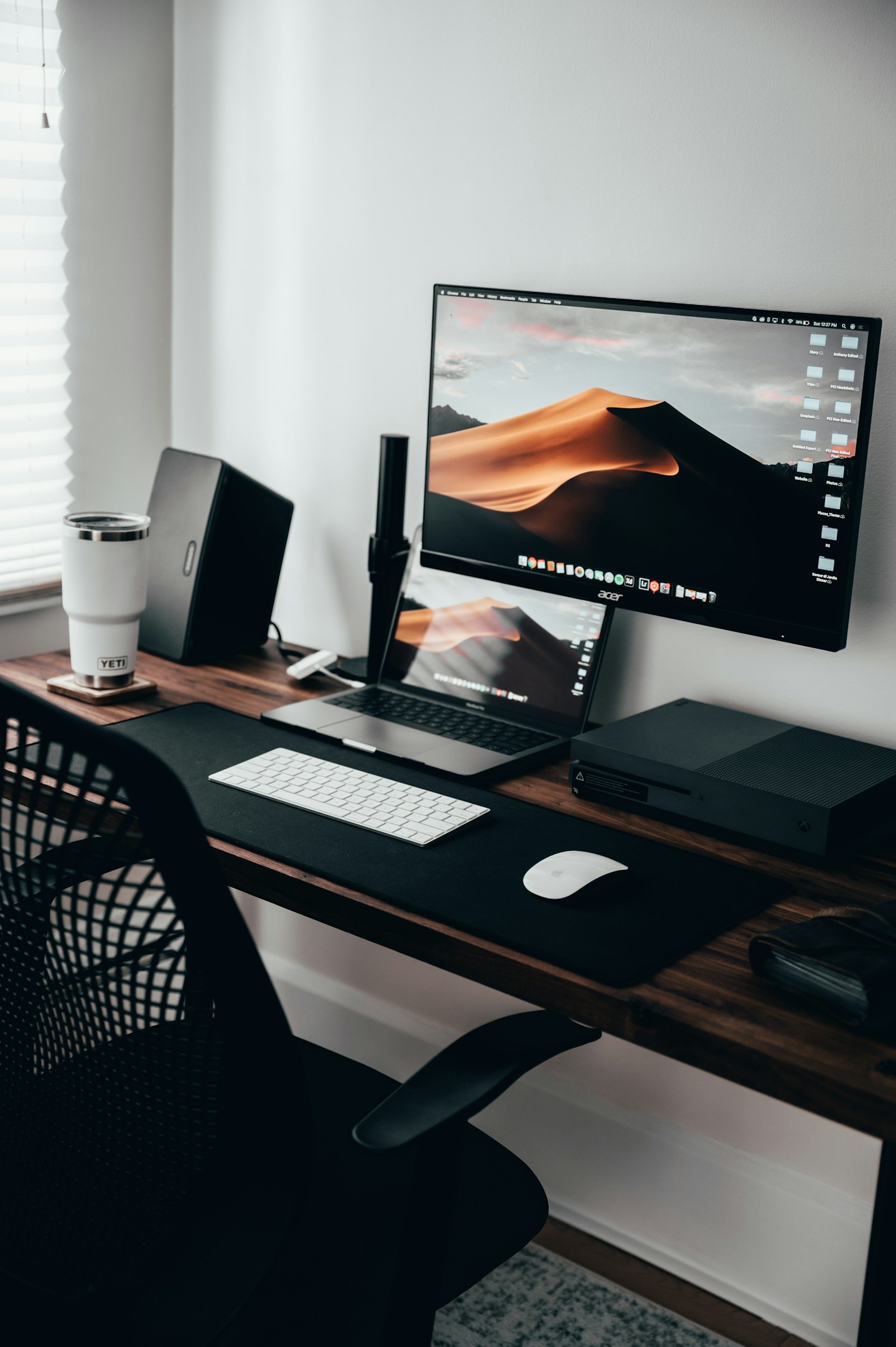
Identify the laptop, docking station, printer and any storage you actually use. Mark which tasks depend on internet access and which happen locally. A large local file transfer and a remote meeting put different demands on the setup.
Give fixed equipment a fixed route
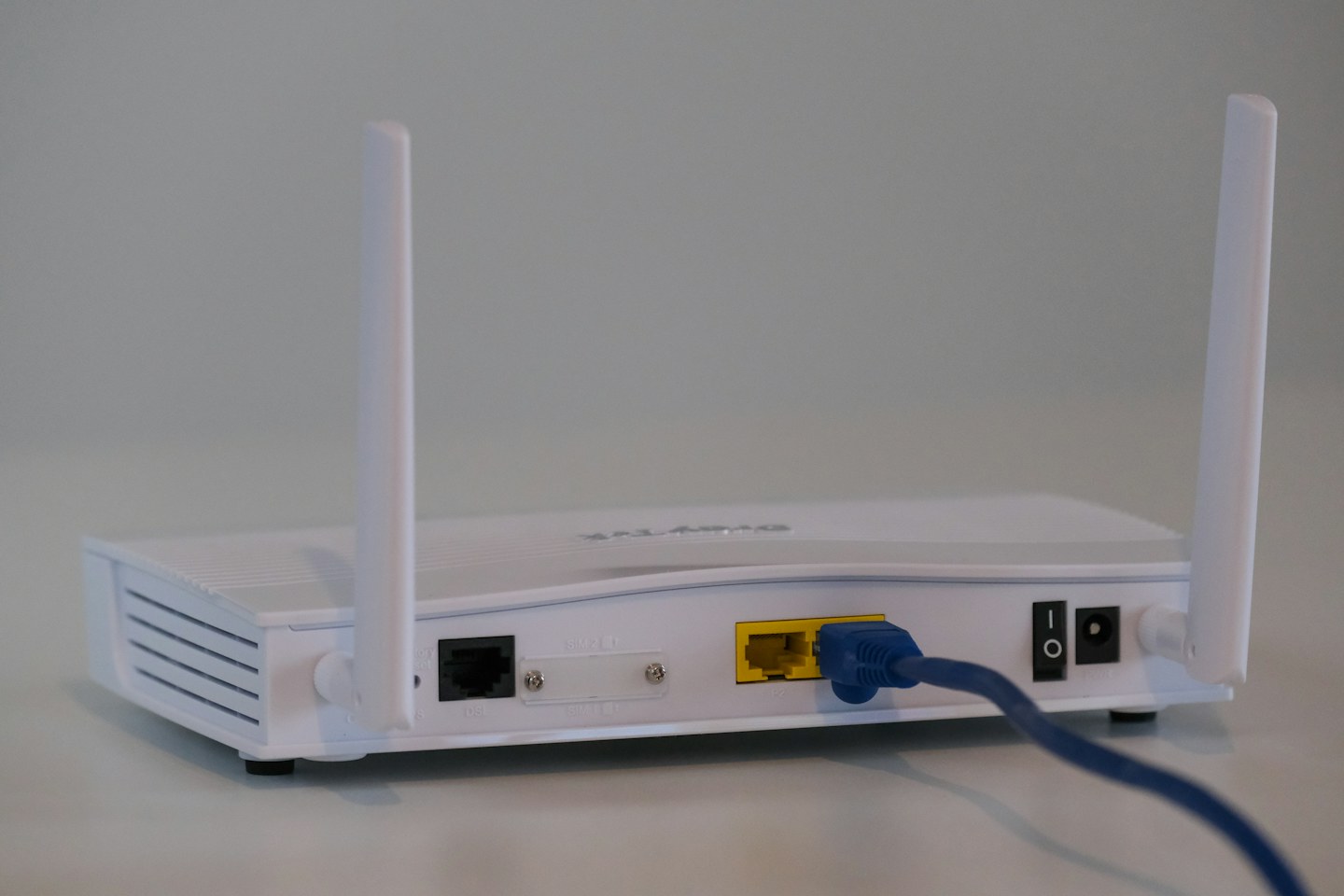
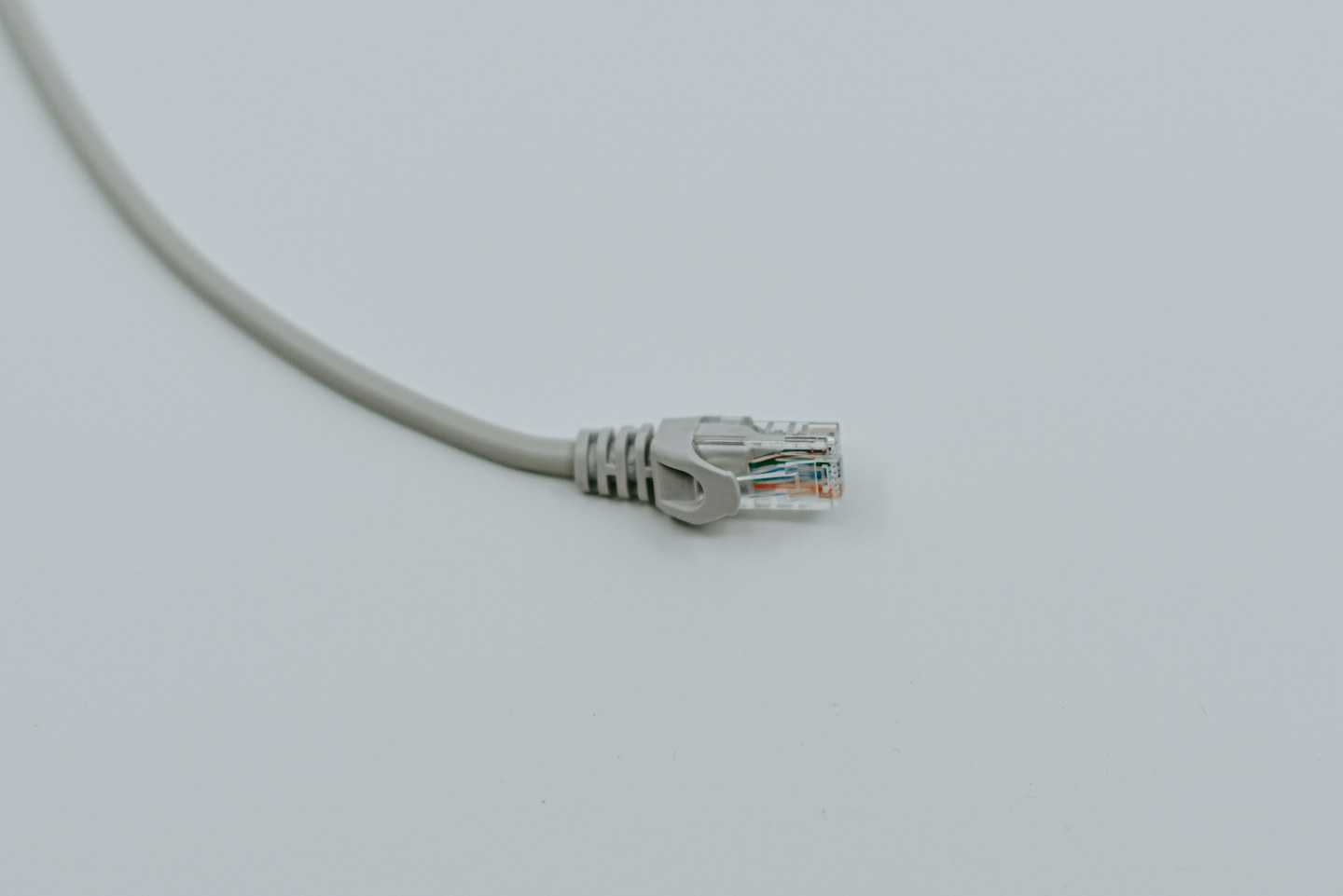
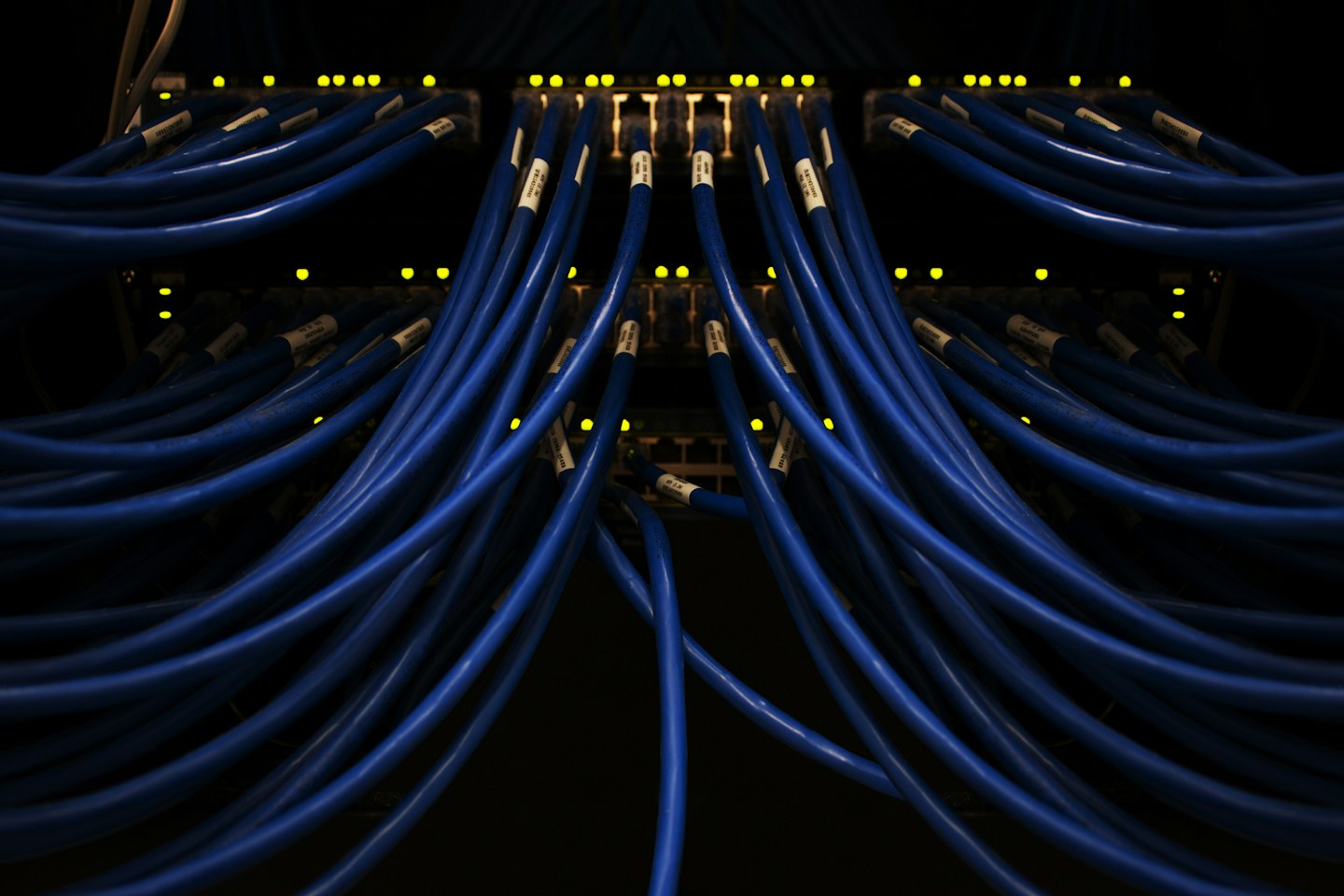
Consider Ethernet for equipment that stays at the desk, where a safe cable route is available. Keep a small connection diagram and label the docking-station leads. Test the desk after moving furniture; metal cabinets and new equipment can change wireless conditions.
Respect the work boundary
Follow employer requirements for VPNs, managed devices and confidential data. Do not change corporate security settings just to make a printer easier to discover. Prepare an approved fallback for an outage and keep important contact details available away from the main computer.