Look for the vents
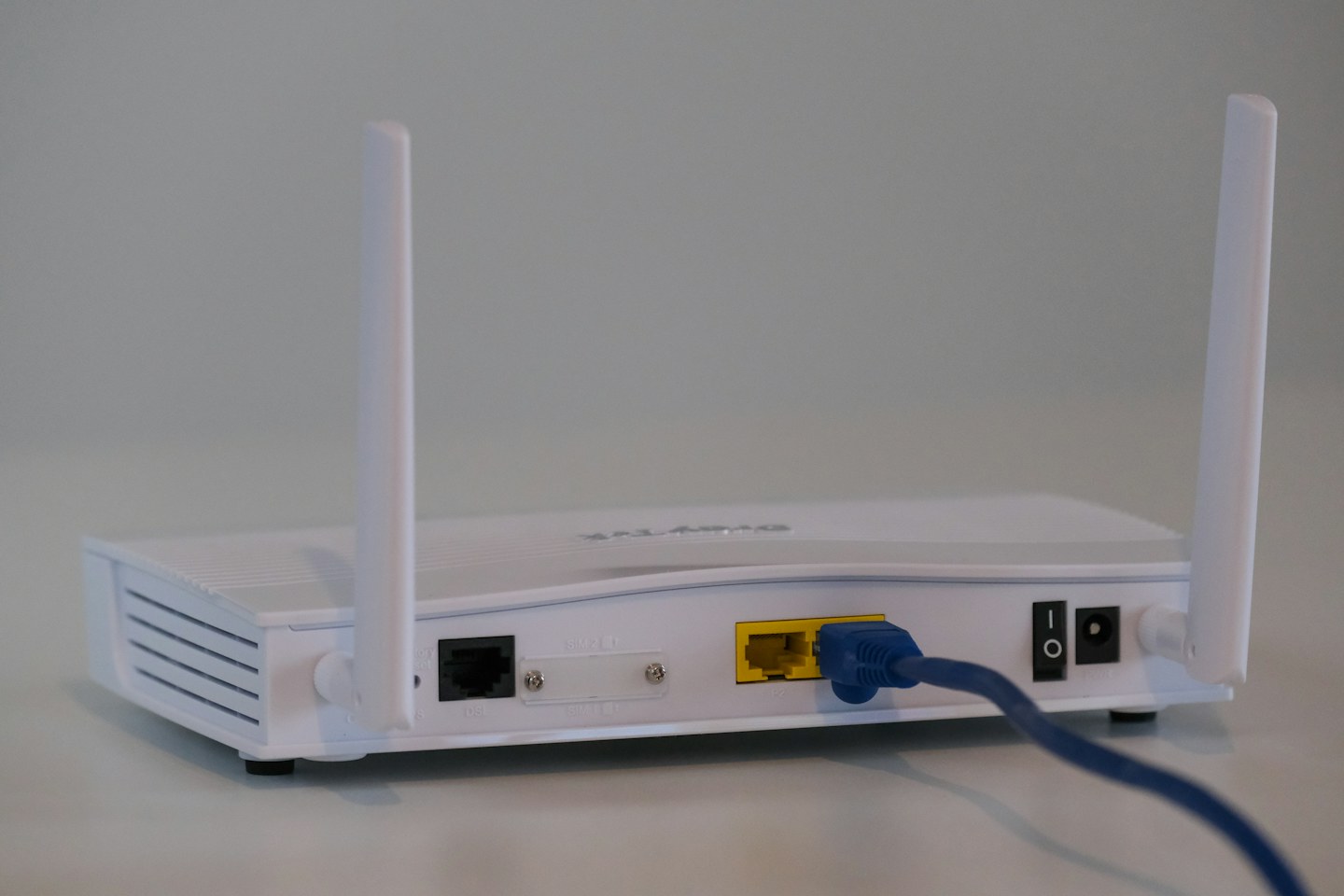
Identify the openings and the intended standing position in the manual. Do not stack another warm device on the case or cover it with fabric. Leave the recommended clearance rather than relying on a universal distance that may not suit the design.
Make room for the cables
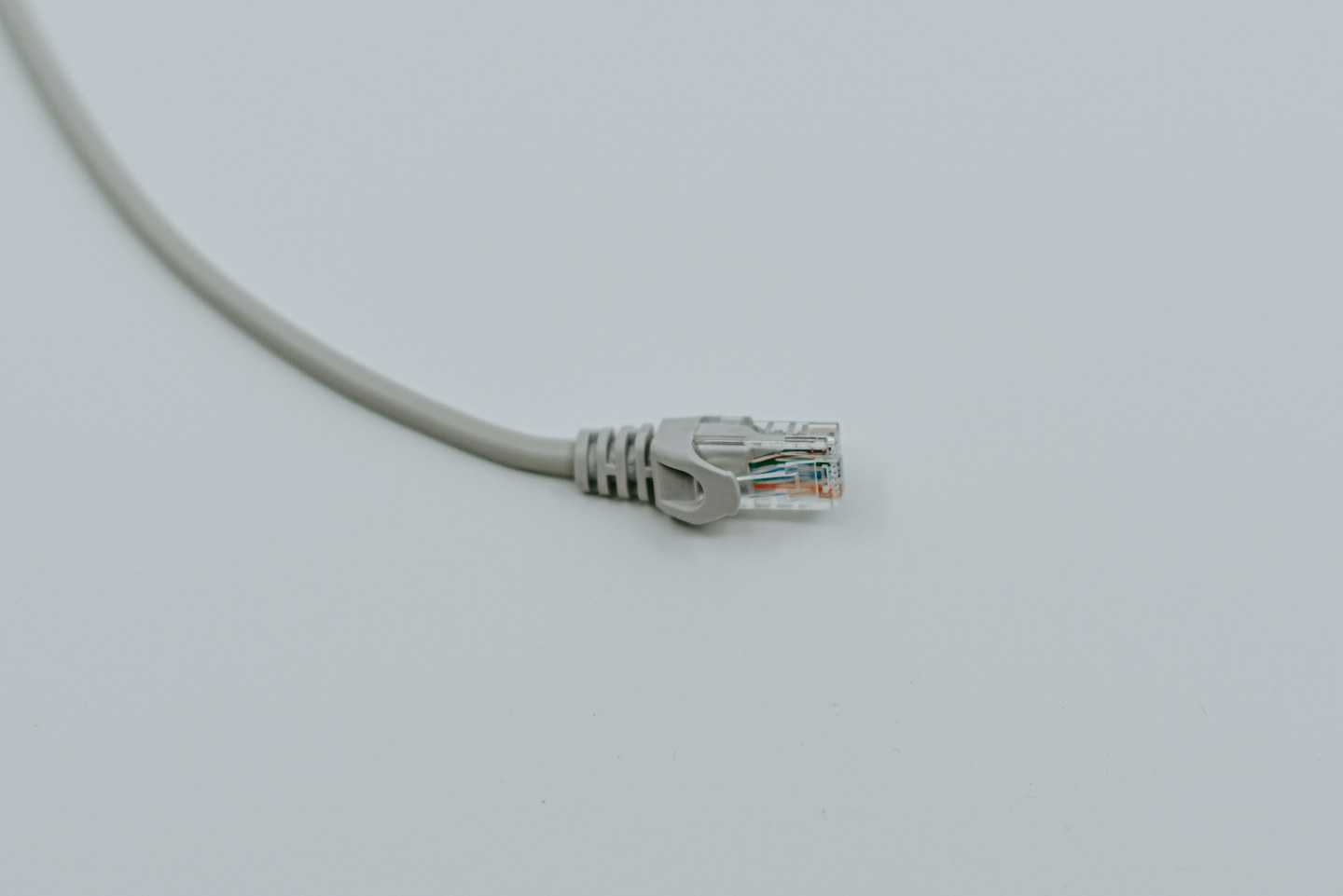
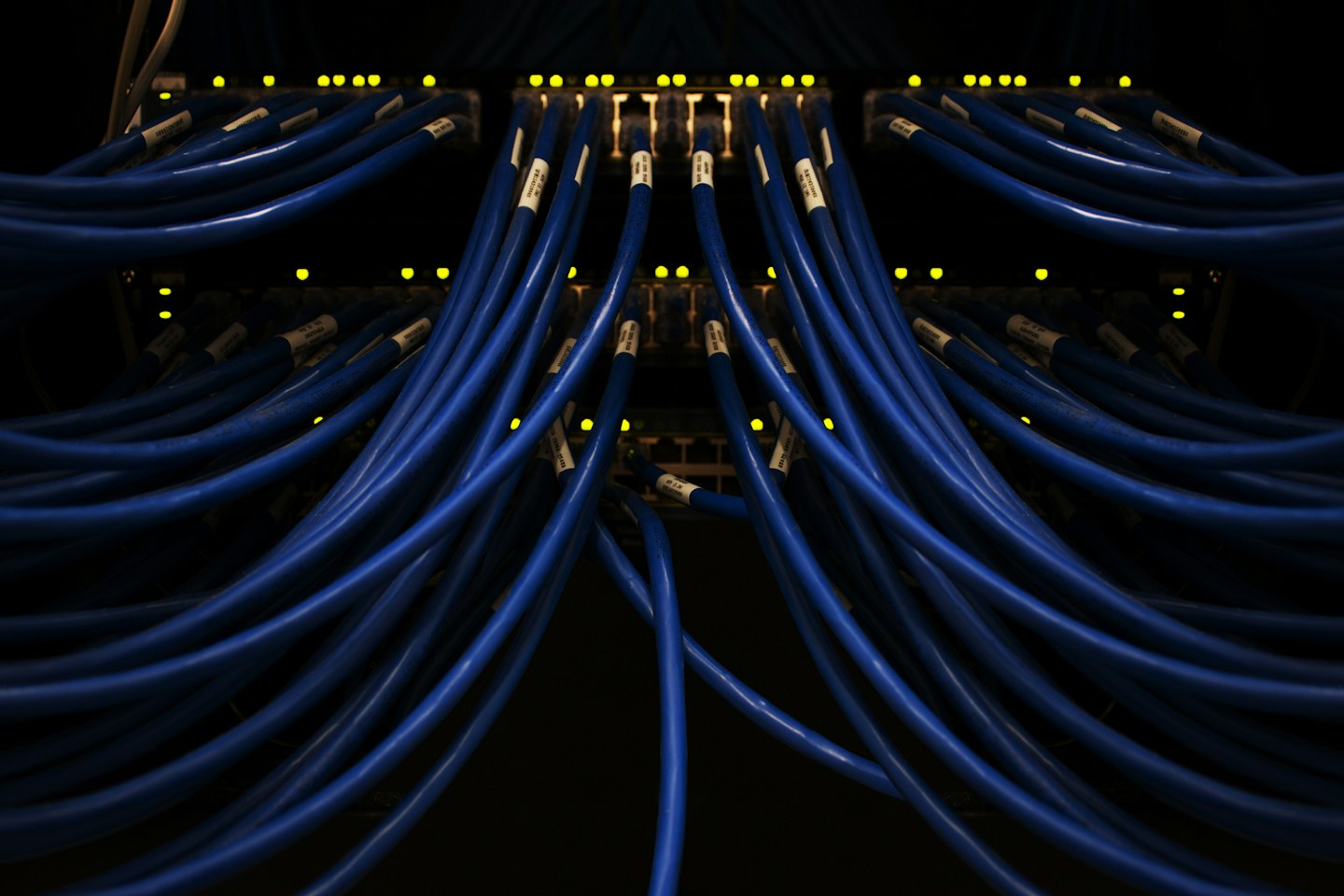
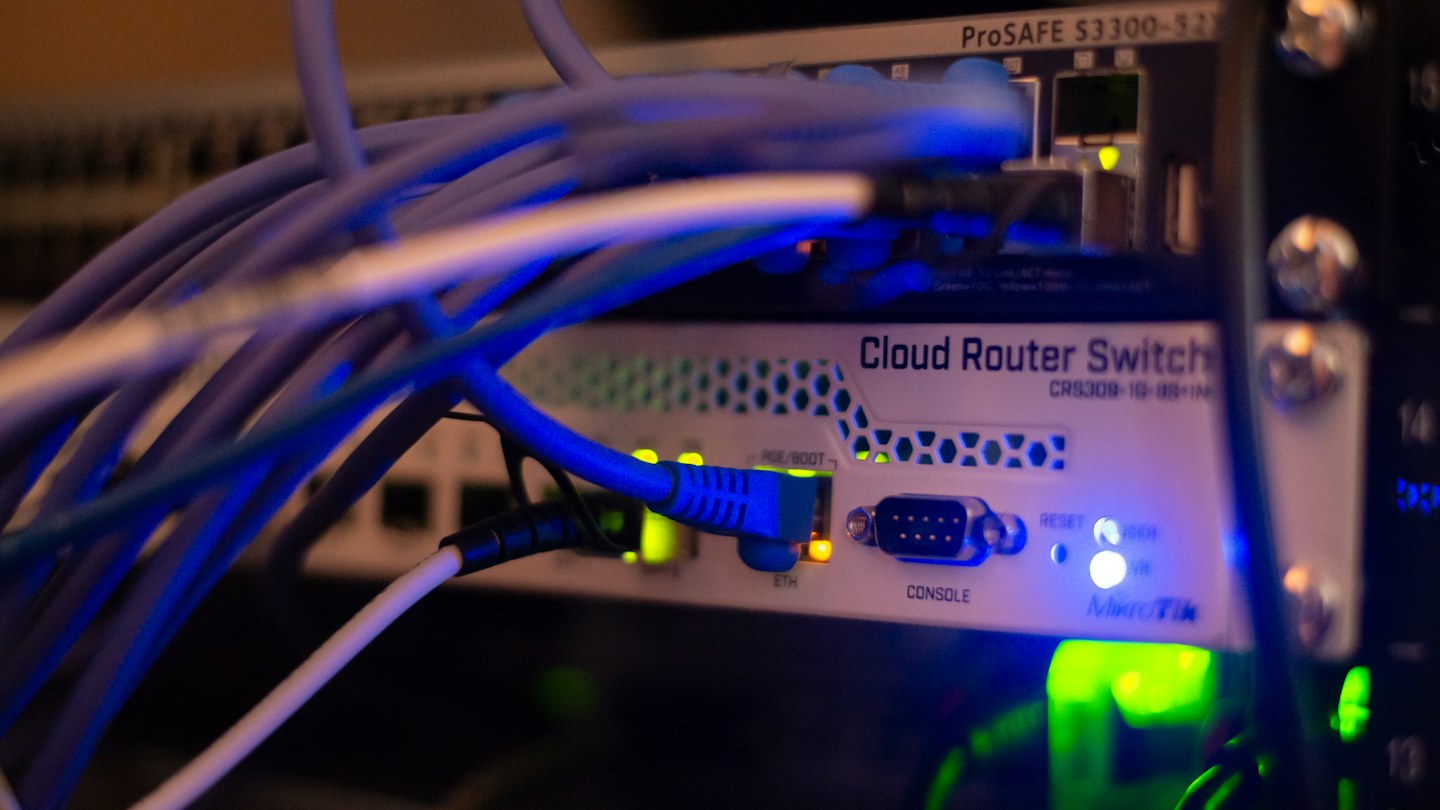
Allow relaxed bends at the power and network connectors. Label the incoming connection so it is not confused with a device cable during cleaning. Use loose, reusable ties away from vents instead of compressing every lead into a tight bundle.
Respond to changes
Some warmth is normal, but repeated shutdowns, a damaged supply or an unusual smell need attention. Disconnect unsafe equipment and seek manufacturer support rather than opening the case. Record when a connection fails; a warm case alone does not prove heat caused the fault.