Compare another device
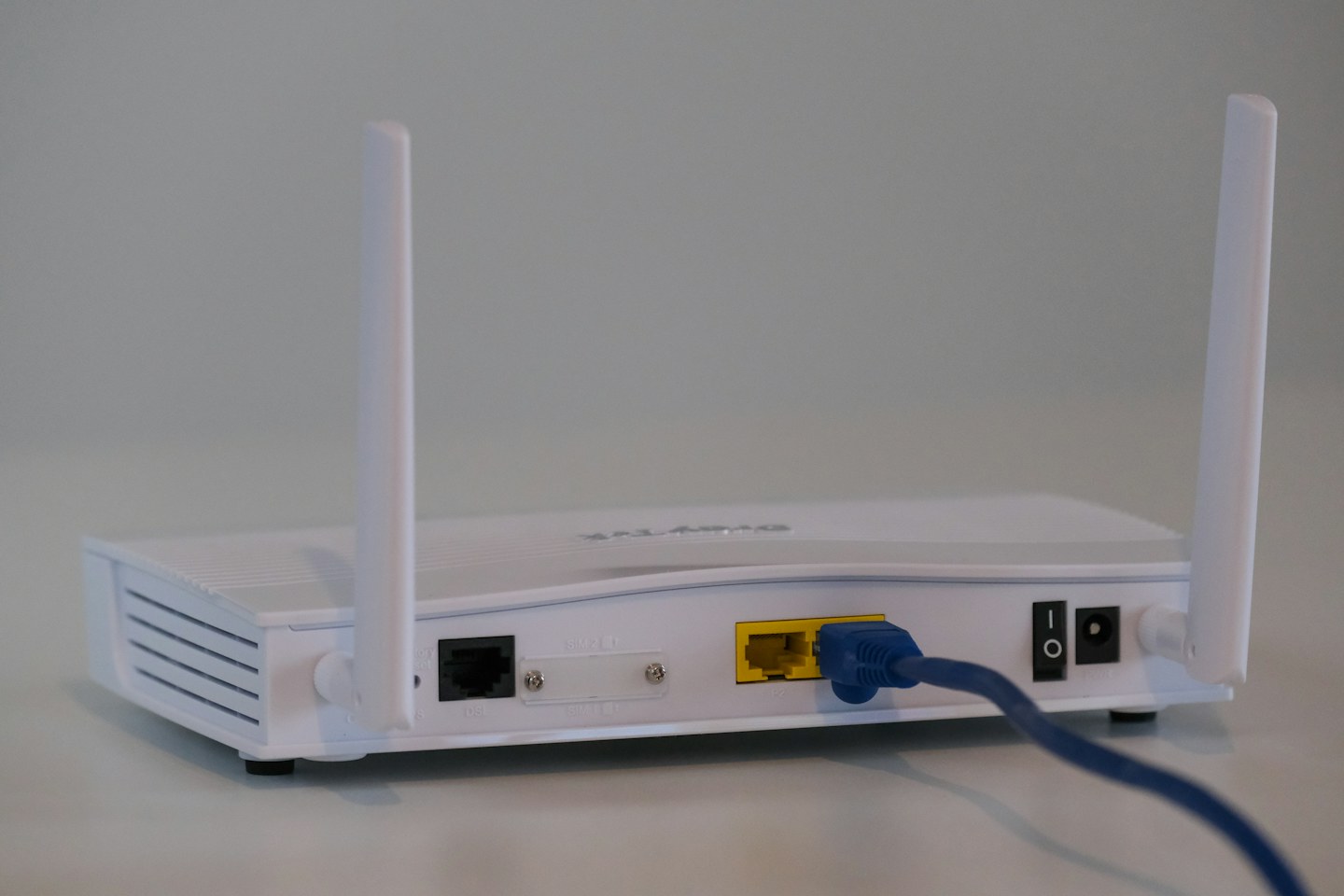
At the same location, see whether a second device can use the network. Then move the laptop nearer the router. Note whether Wi-Fi itself disconnects or only a particular website fails; those observations point to different next steps.
Check the basics on the laptop
Confirm the intended network is selected and airplane mode is off. Restart the laptop normally, then use the operating system’s connection diagnostics. Apply supported network-driver or system updates from the device maker, not an unfamiliar driver-download website.
Make one change at a time
If you forget and rejoin a network, ensure you have the password first. Record any VPN or security software involved and follow workplace rules on managed machines. Do not factory-reset the router as an opening move; it can remove settings needed by everyone else.