Decide what belongs there
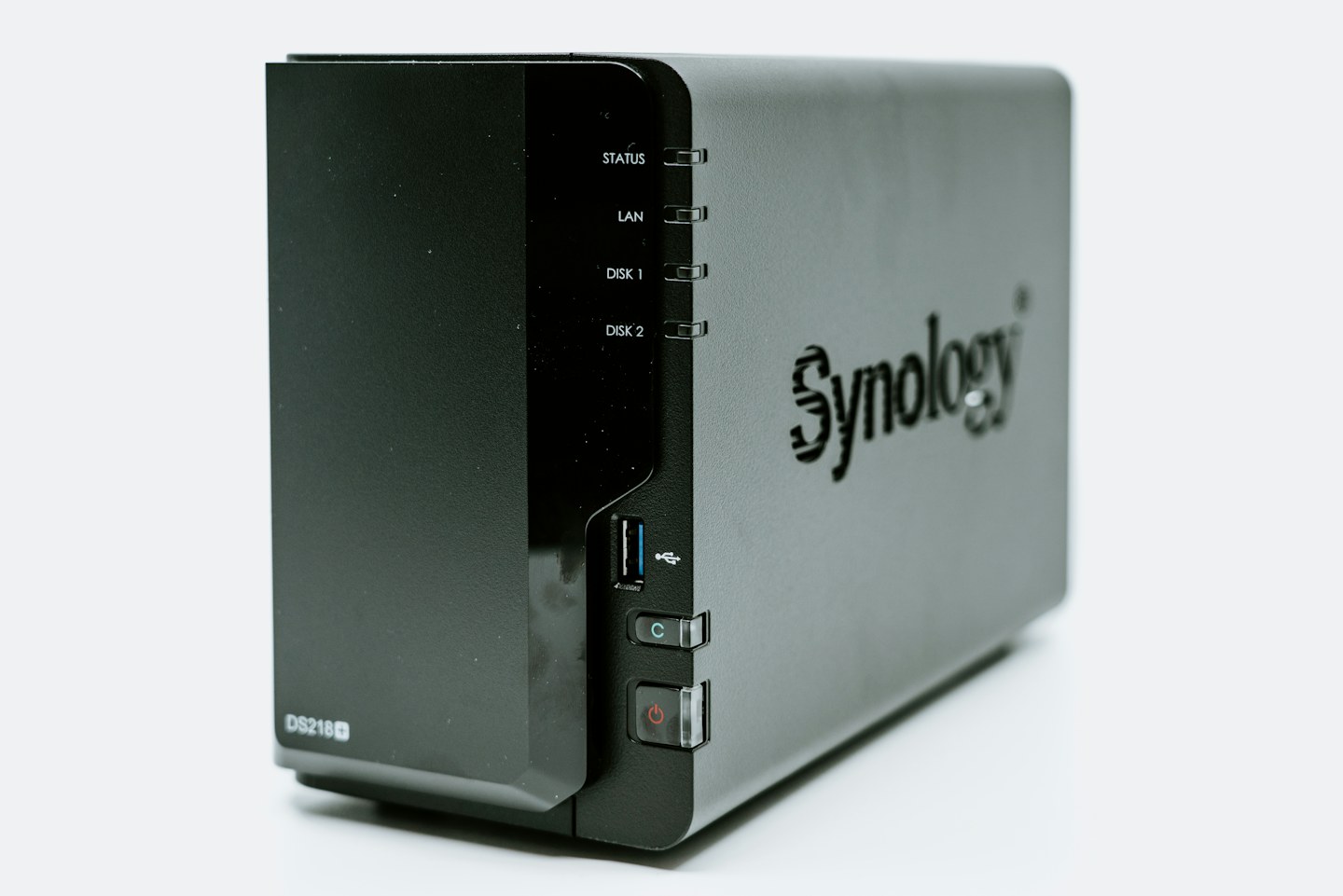
Separate shared working files from private material. Create accounts and permissions for the people who need access instead of giving every device administrator rights. Keep the storage software supported and avoid exposing management pages directly to the internet.
Plan a separate copy
Drive redundancy can help with some hardware failures, but it does not undo every accidental deletion, theft or malicious change. Keep a separate backup appropriate to the data and test recovery. A synchronised folder can copy a deletion just as quickly as a useful edit.
Practise recovery
Choose a non-sensitive test file, back it up and restore it to another location. Verify that the restored version opens. Record where recovery credentials are kept and how another trusted person would find the instructions if the main computer were unavailable.