Identify how it connects
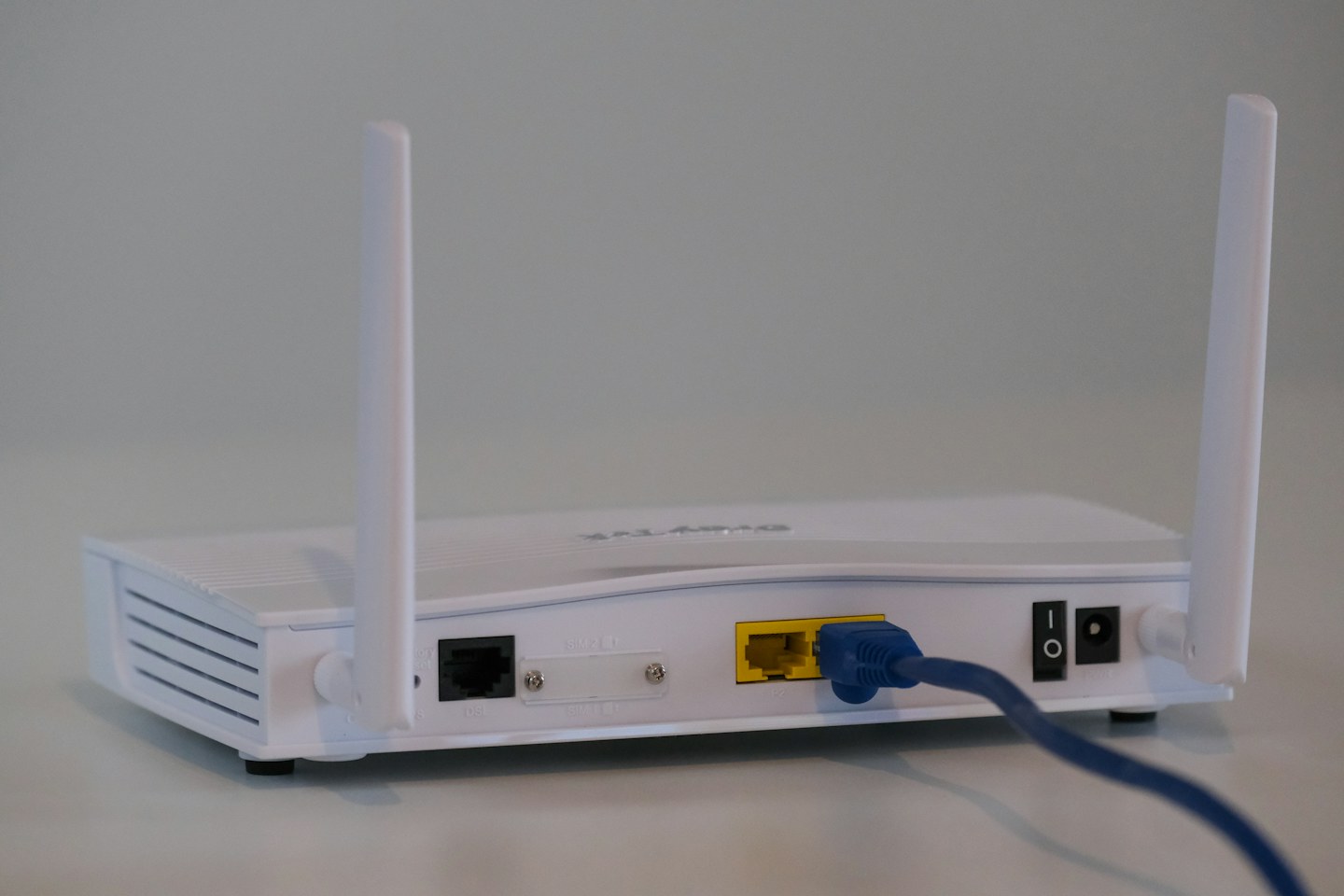
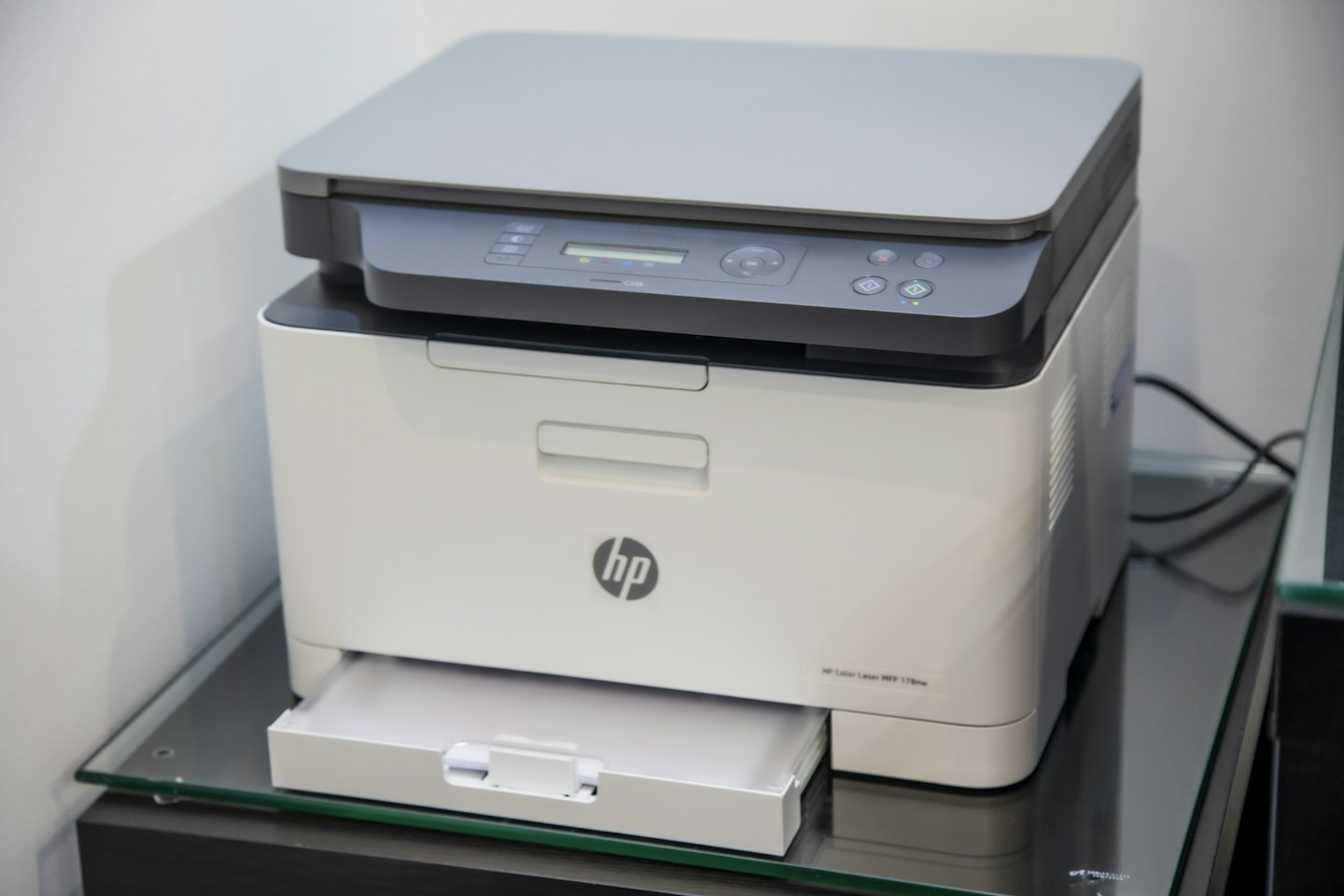
Check whether the printer uses home Wi-Fi, Ethernet, a direct wireless mode or a USB connection to another computer. These are not interchangeable. Follow the setup instructions for the exact model and keep its network details available.
Connect the intended devices
For normal local printing, confirm the computer and printer are on a network arrangement that permits them to communicate. Guest isolation can intentionally prevent discovery. Install the supported software or driver from the manufacturer rather than an unsolicited download prompt.
Test after a restart
Print a small document, restart the printer normally and repeat. If it disappears, inspect the printer’s connection status before reinstalling everything. Keep a record of the chosen setup so a future router replacement does not turn into guesswork.