Choose two realistic locations
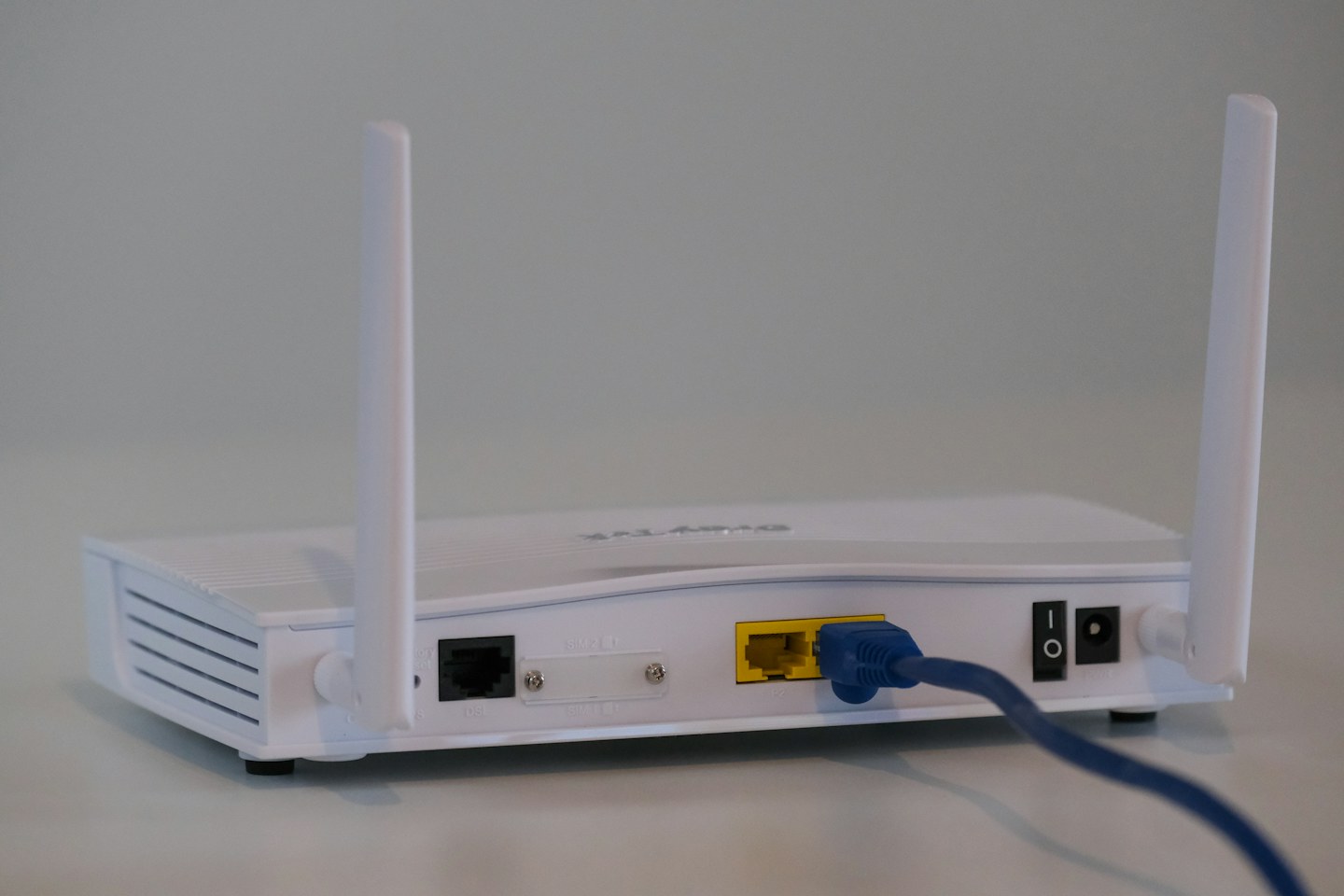
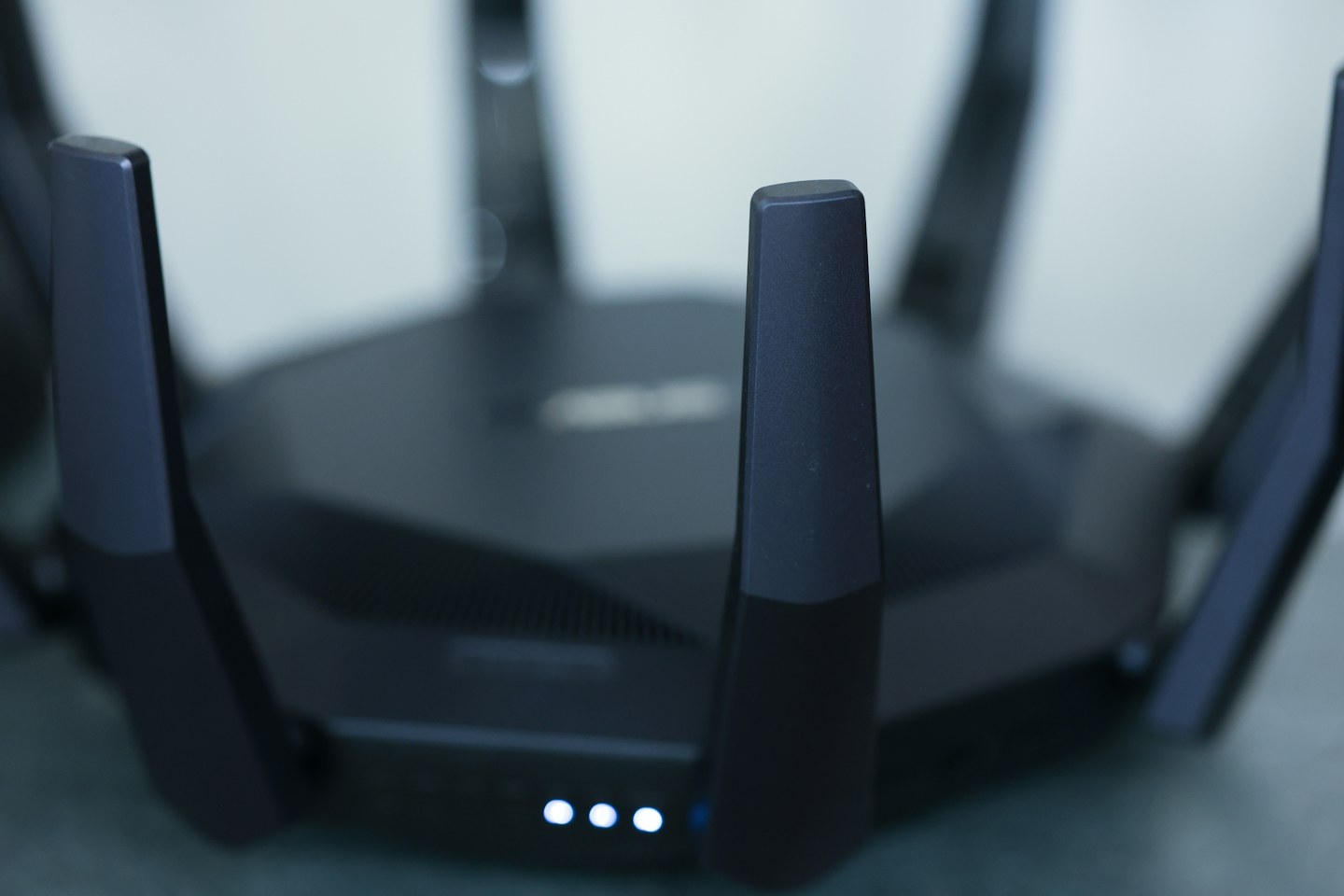
Start with an open shelf near the rooms where you use Wi-Fi most. Avoid enclosing the router in a cabinet or putting it beside a heat source. Keep the required power and internet connections in mind: a central position is only useful if the cables can reach safely. Follow the manufacturer’s guidance for orientation and clearance.
Compare the same task
Use one device and test the same activity in the same three places: near the router, at your desk and in the weakest room. Keep the time and other network use similar. Write down whether a video call stays clear or a download stalls. Signal bars alone are not a complete description of the connection.
Know what placement cannot fix
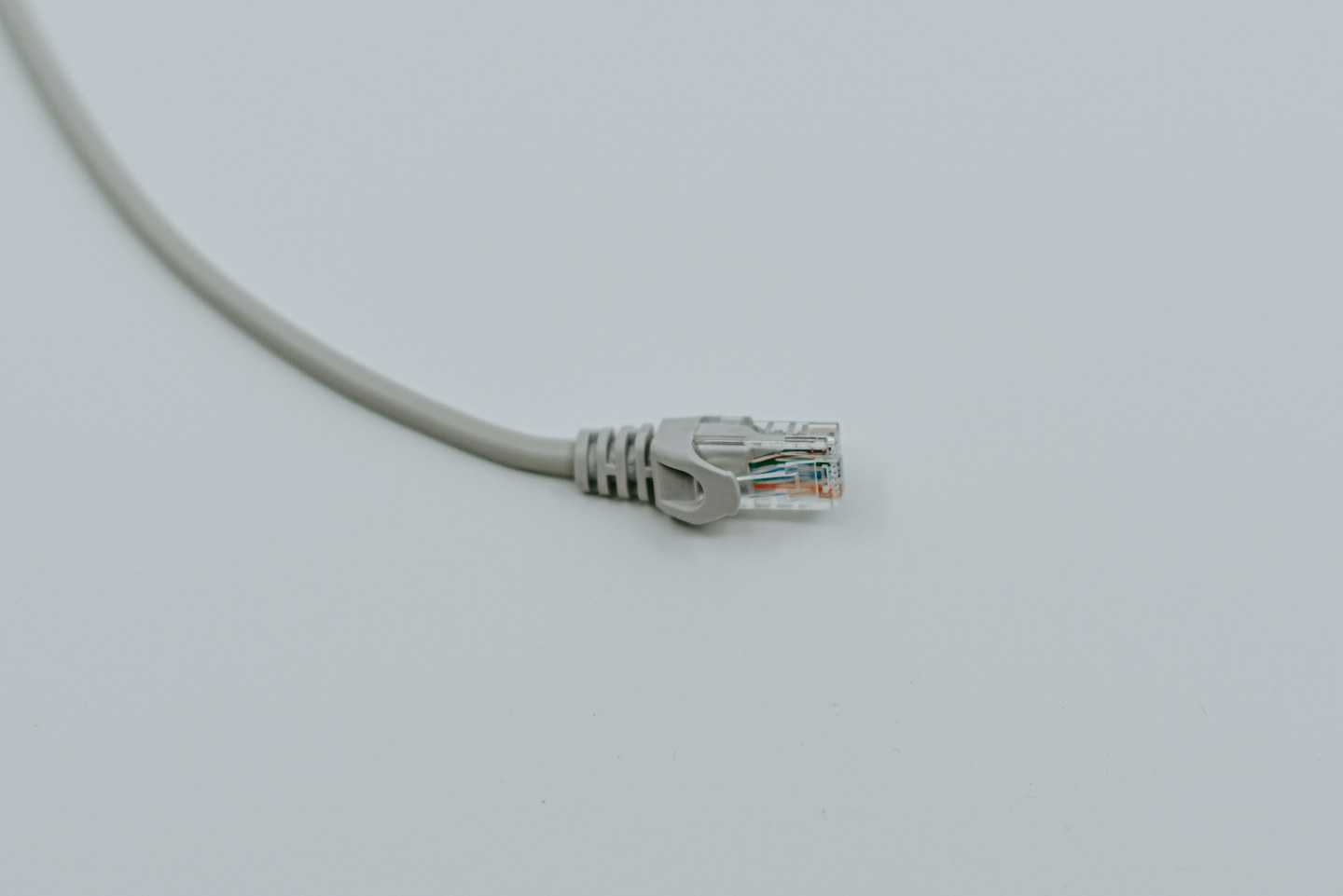
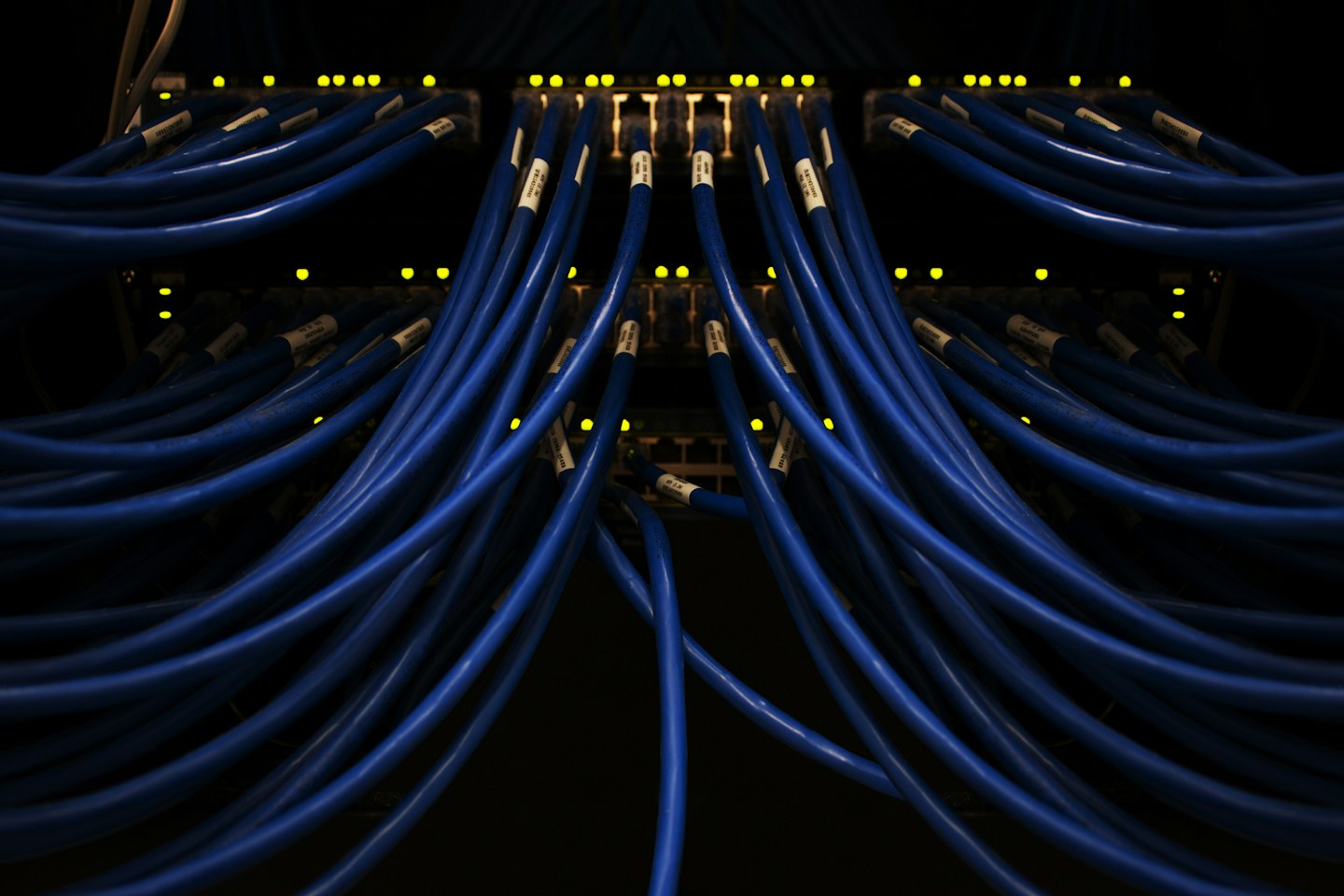
If a wired connection is also slow, moving the router may not solve the underlying problem. Check the service status and the connection between modem and router before buying extra equipment. Where thick walls remain an obstacle, a wired access point or a carefully positioned mesh unit may be more useful than another small move.