Pick one main use
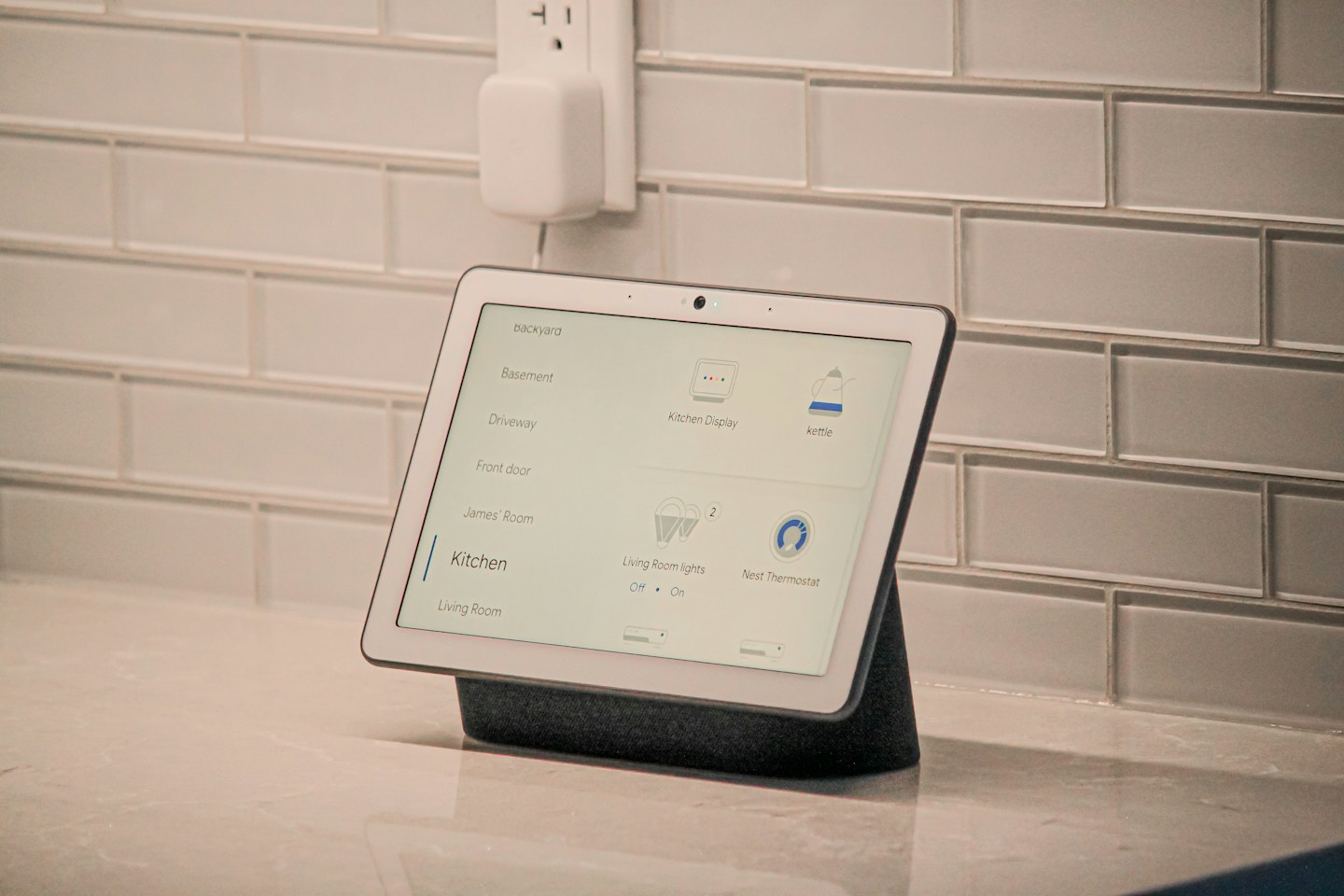
Decide whether the display is mostly for kitchen timers, calls or household information. Place a paper rectangle of the same size in two candidate positions. Check sightlines from the work area without blocking the space used for cooking, opening cupboards or setting down a bag.
Consider the camera angle
For video calls, check what appears behind you and whether the device points towards a doorway or a private area. Learn how its camera shutter or disable control works. Do not treat a dark screen as proof that every sensor has been disabled.
Reduce background noise
Choose which notifications should appear in a shared space. Hide personal calendar details if other people can see the screen, and set a suitable night routine. Keep the power supply clear of sinks, steam and hot surfaces, following the product’s placement instructions.