Create a repeatable test
Use the meeting app’s test facility or call someone who agrees to help. Keep the camera and microphone settings you normally use. Note frozen video, delayed sound or complete disconnection separately; a camera or microphone fault can look like a network problem.
Reduce competing activity
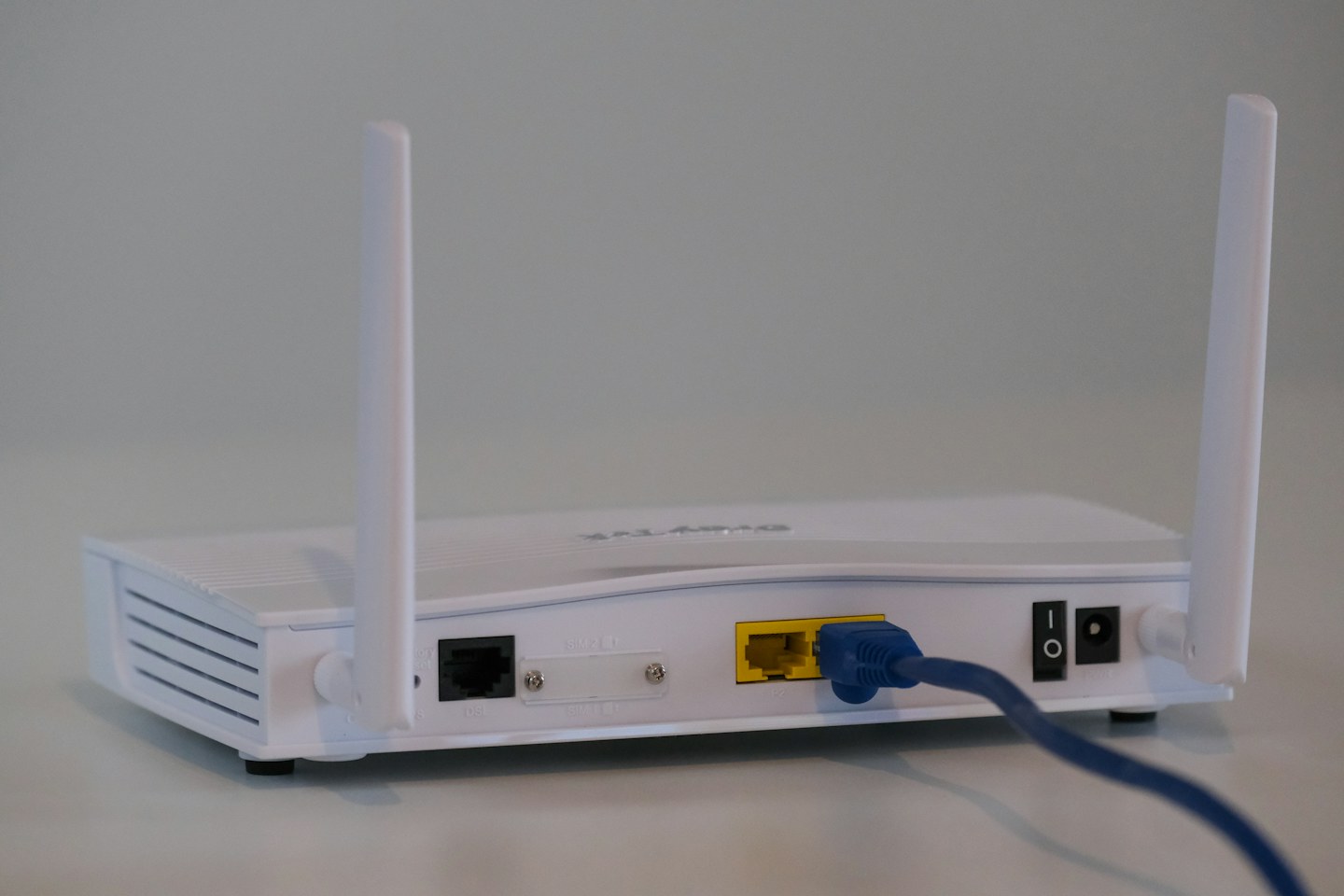
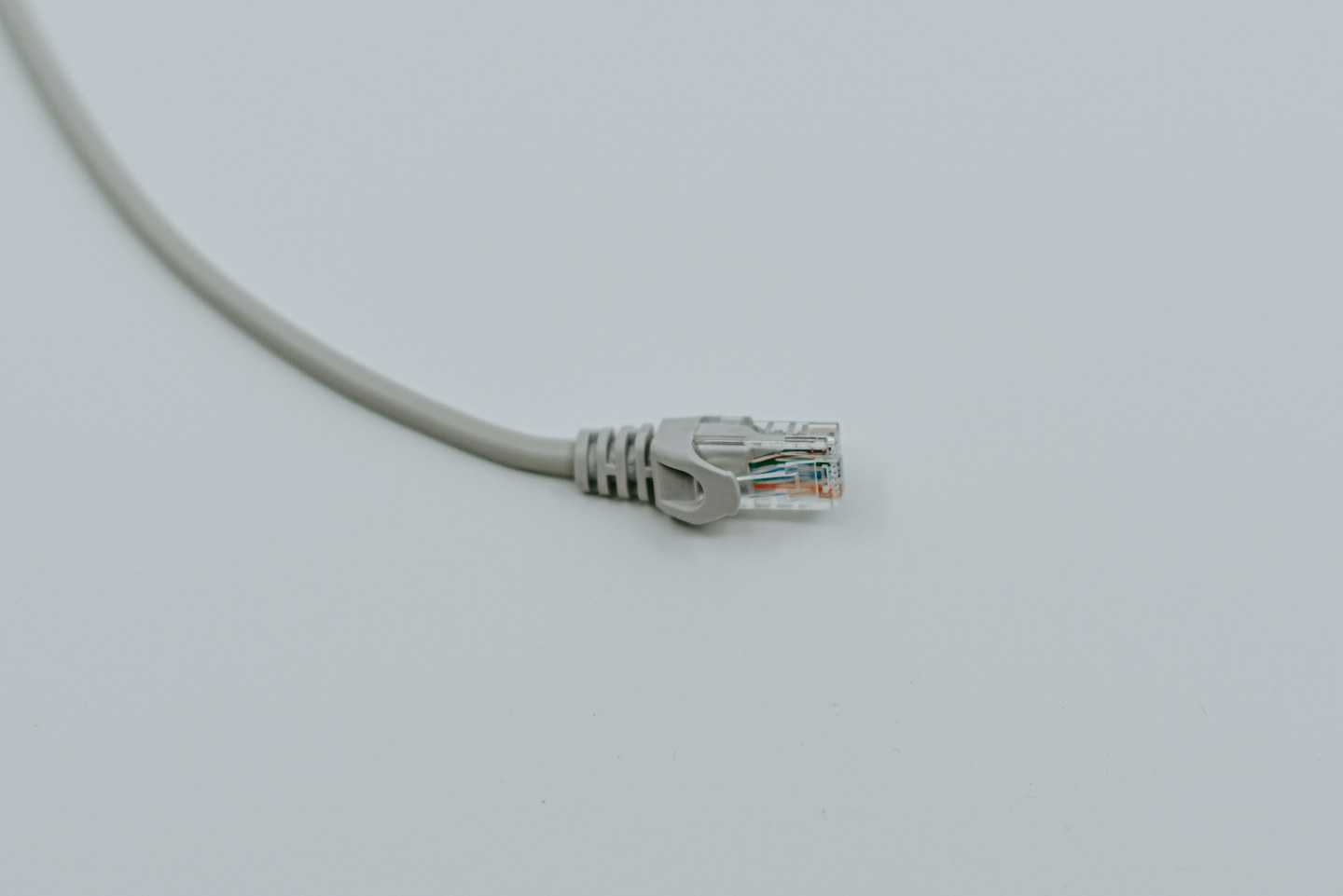
Pause optional large uploads, cloud synchronisation and game downloads during an important call. Ask other household members before interrupting their work. If possible, compare Ethernet with Wi-Fi at the same desk instead of assuming the wireless signal bars settle the question.
Prepare a fallback
Know how to turn off your camera or join by another supported method if the connection deteriorates. Charge the laptop and keep the meeting details available. A phone hotspot can help in some circumstances, but check signal, data allowance and workplace security rules beforehand.