Bring the pair into balance
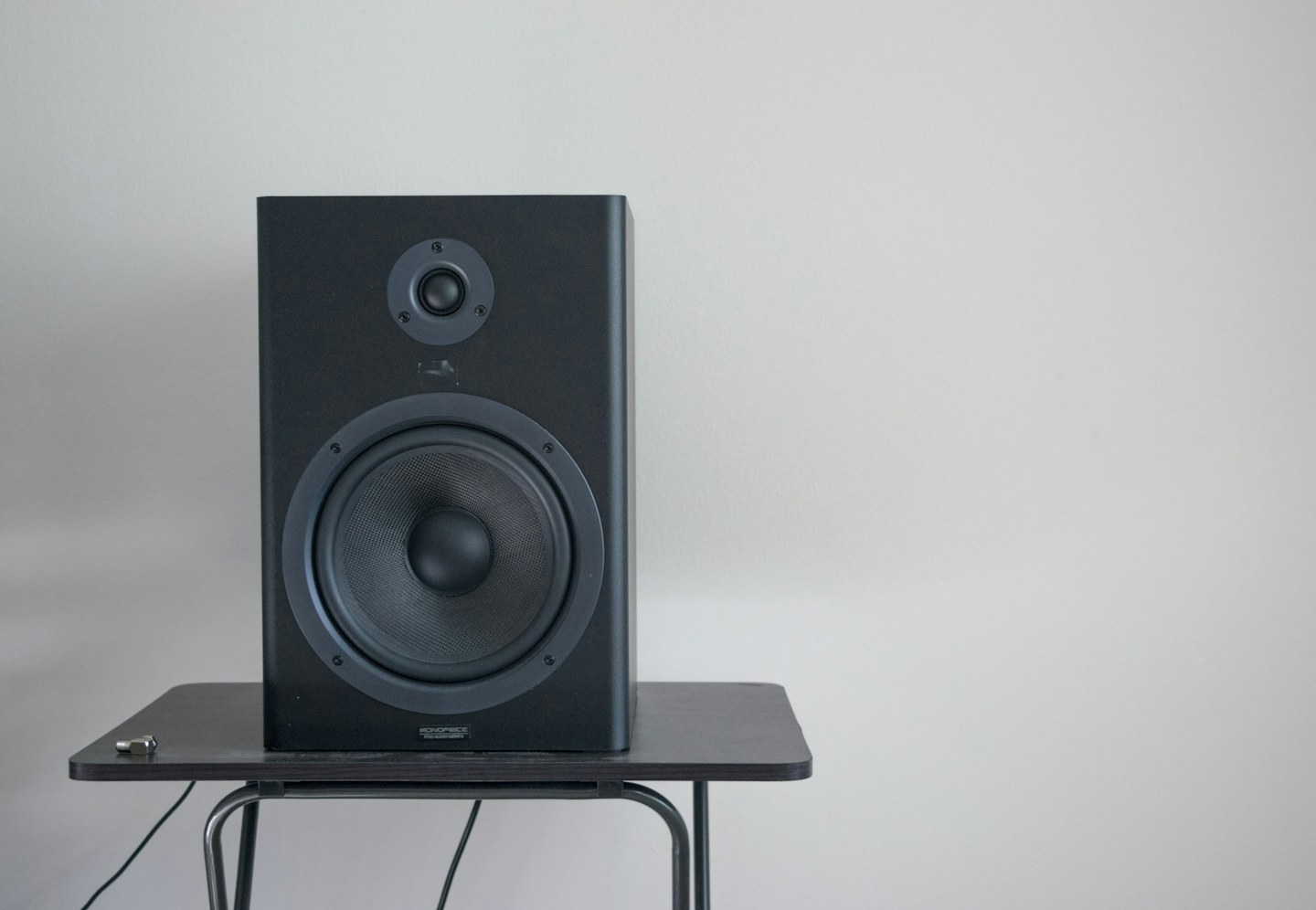
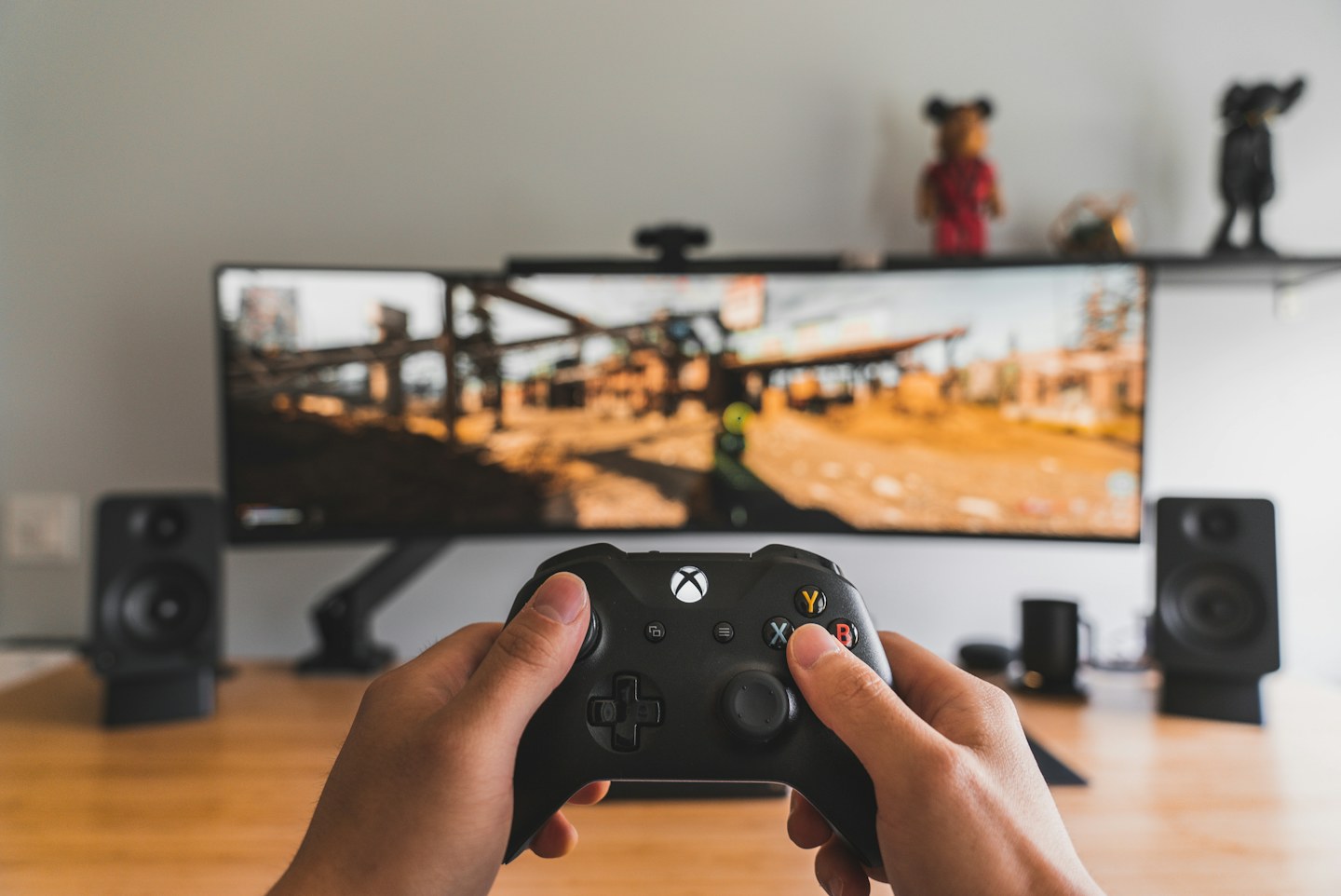
Place left and right speakers at comparable distances from the chair and direct them as the manufacturer recommends. Avoid hiding one behind a monitor or placing the other in a corner. Use stable supports that do not consume the working space you need.
Check the connection path
Identify whether sound arrives through USB, an analogue cable, a monitor or wireless audio. Select the intended output in the operating system and keep one obvious volume control in the routine. Several low-level controls can create confusing changes between calls and music.
Test a call as well as music
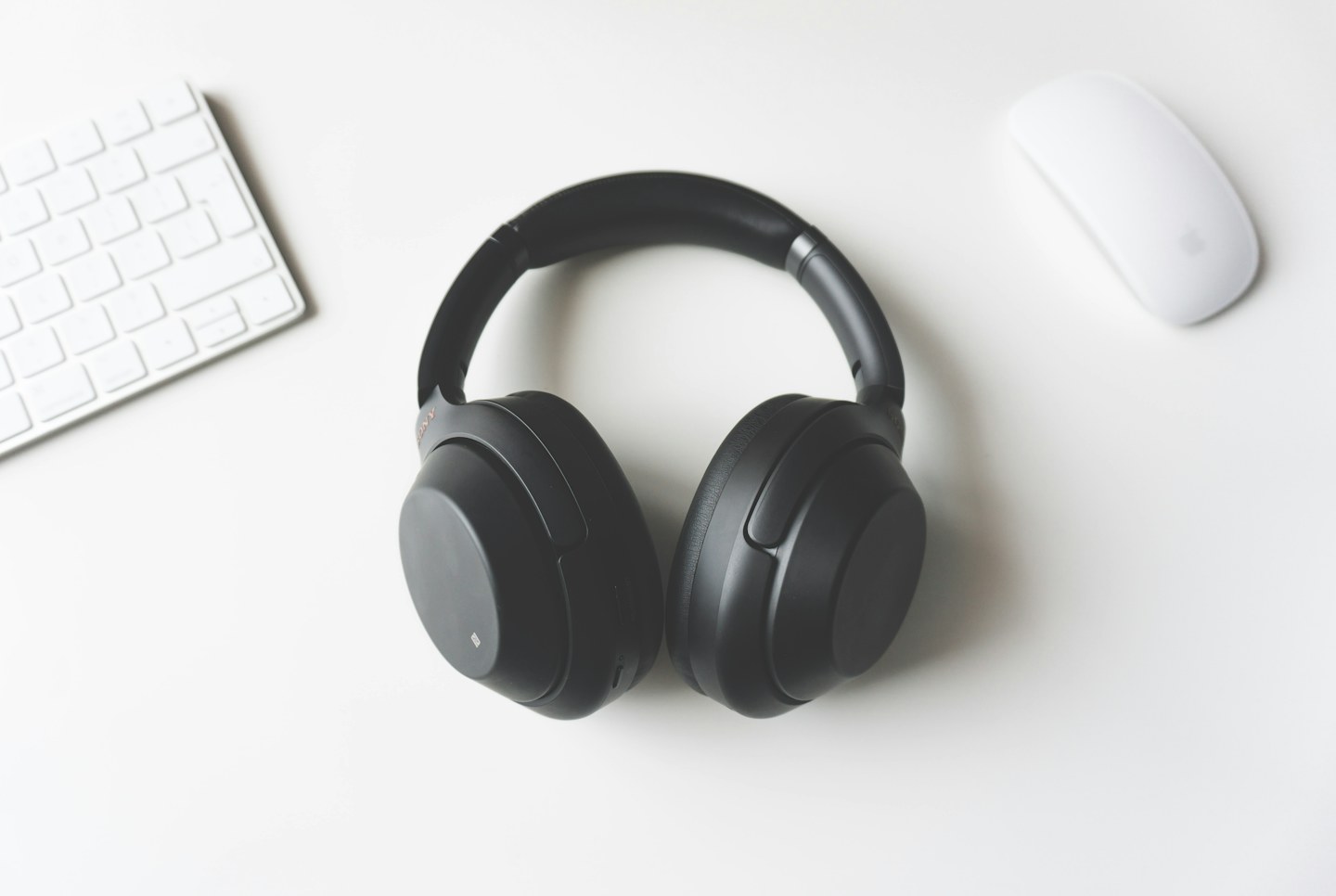
Listen to a familiar spoken recording and make a short test call. Speaker sound can enter a nearby microphone, so check echo behaviour in the actual meeting software. Headphones may be a better option for shared rooms or calls involving private information.