Confirm the active signal
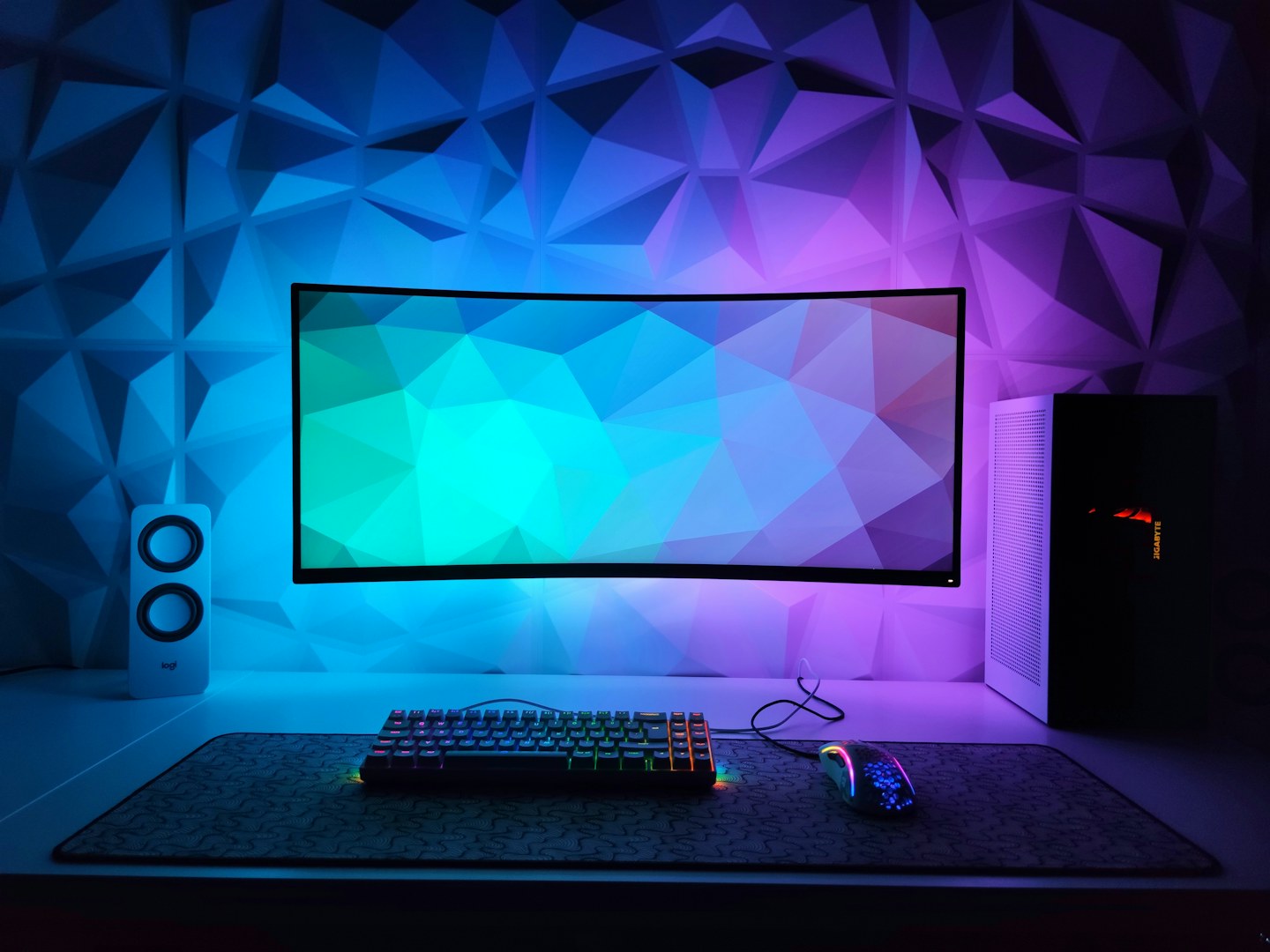
Check the operating system’s selected resolution and refresh rate, then compare them with the monitor’s supported modes. Verify the cable and port requirements for that combination. A menu showing the panel’s maximum capability is not always showing the current incoming signal.
Use a familiar scene
Try the same game area or test content at consistent brightness. Change one setting at a time and note the original value. Aggressive motion or sharpening settings can introduce visible side effects; more is not automatically better.
Keep the desk comfortable
Position the display for a relaxed viewing angle and control reflections. Adjust brightness to the room rather than copying someone else’s number. Save a sensible everyday profile before trying optional HDR or variable-refresh features supported by the full setup.